Overstriding11.2°
Room to improveShin angle at contact, right side
Both feet touch down ahead of the knee.
Before you try
Do you have pain, a recent injury or symptoms while running?
Your answer stays on the phone.
The iPhone app that measures your running biomechanics from ten seconds of side-view video. The analysis runs on the phone and the video stays there.
A running step is a precise sequence: the foot touches down, the body absorbs the landing and pushes off, both feet leave the ground, the leg comes back forward. Runify Motion finds these moments in every foot contact in your video and, in each one, measures the angle that matters.
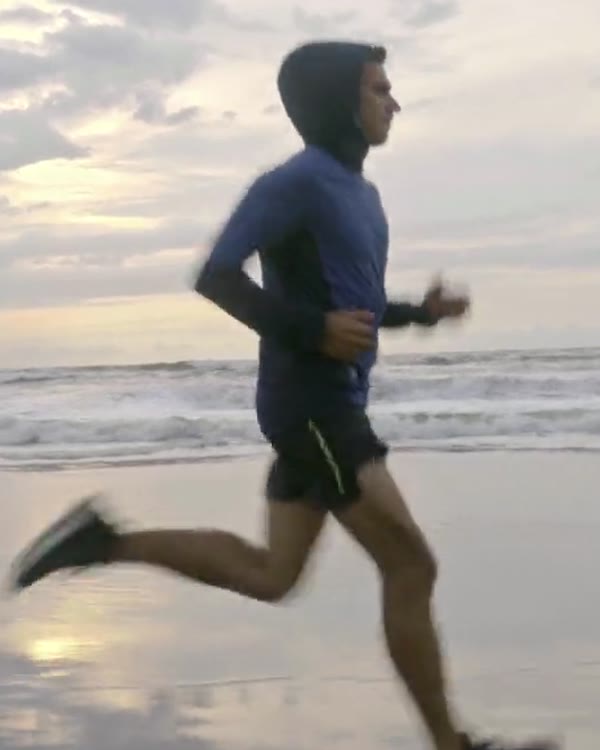
Shin angle and front knee: where the foot lands.
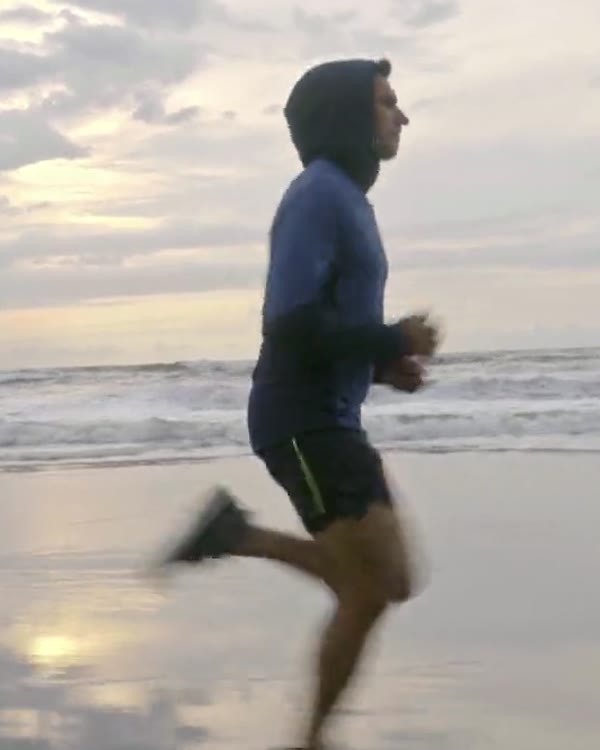
Trunk lean, from hip to shoulder.
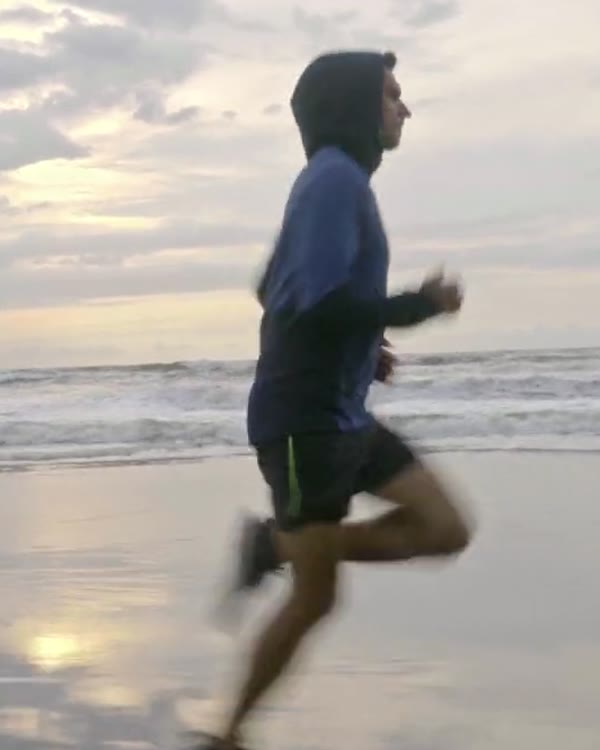
The foot leaves the ground: stance ends here.
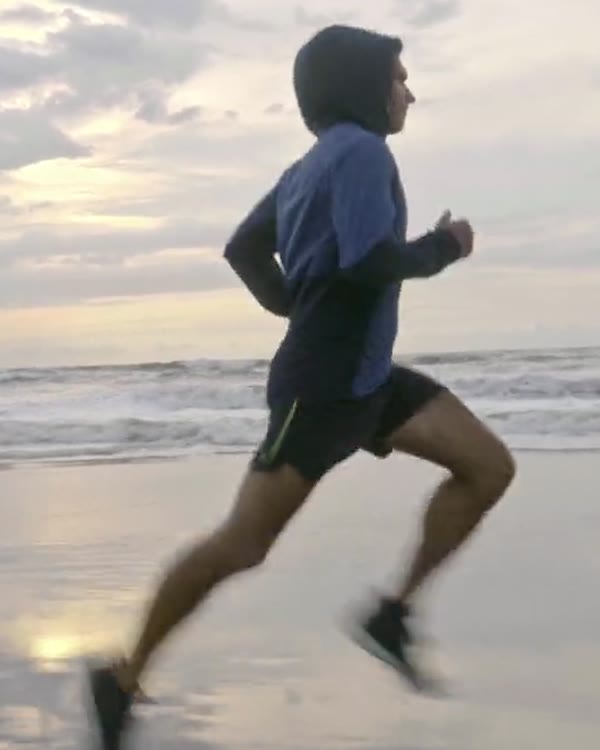
Both feet off the ground. The arms: average elbow angle.
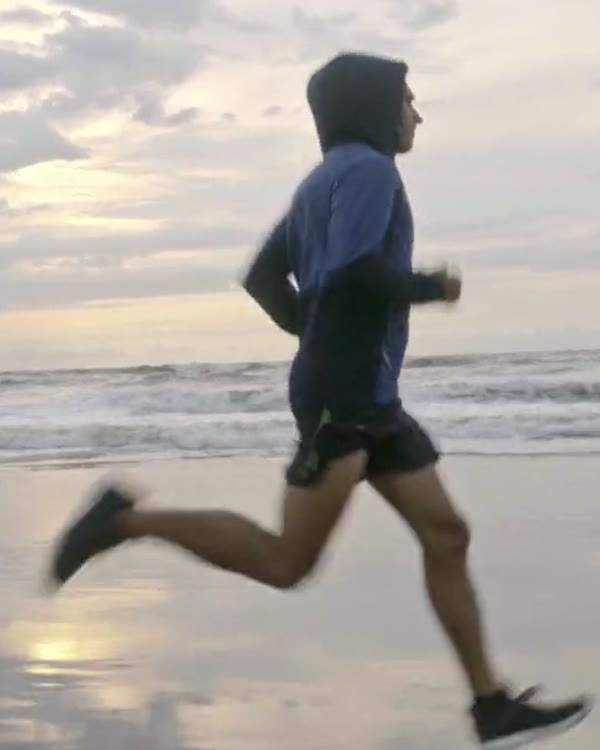
Knee of the back leg as the other foot lands.
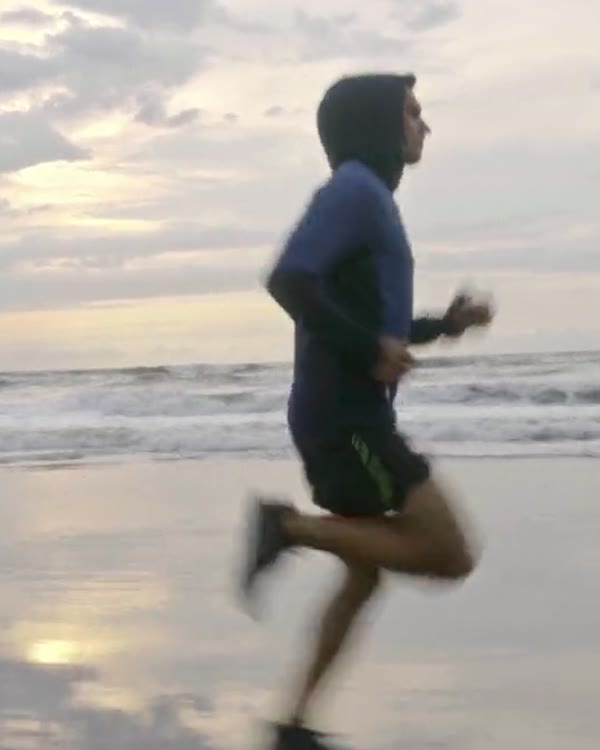
Heel kick: how far the knee bends during swing.
First you record: phone steady at hip height, side-on.
Then you pick the best ten seconds of the video.
Meanwhile the phone finds the skeleton in every frame, and your foot contacts.
Finally you read the result, step by step, on your video.
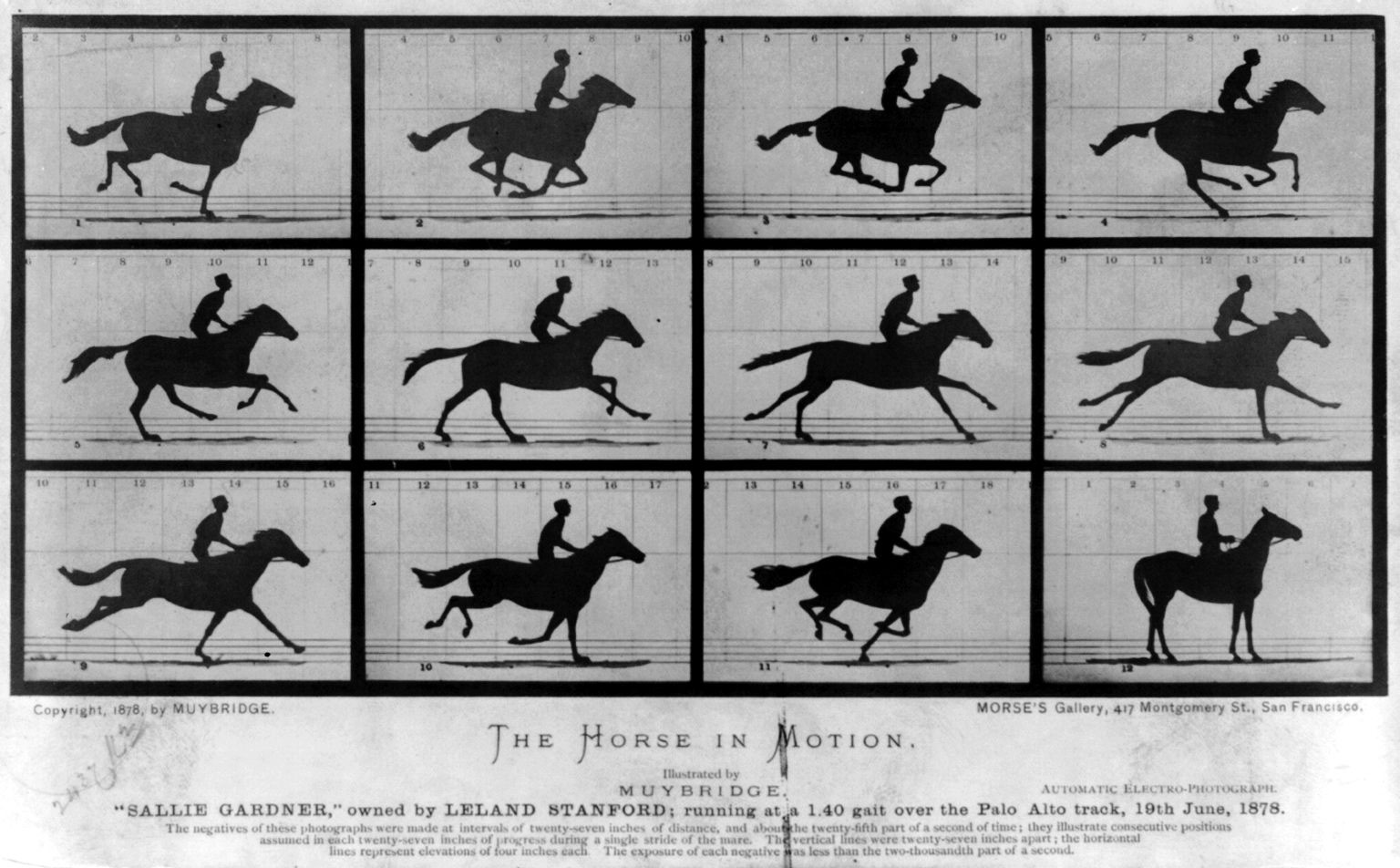
In 1878 Muybridge used twelve photographs to see a gallop. Ten seconds of running at 120 frames per second make 1,200, and the app looks at every one.
The Horse in Motion, Eadweard Muybridge, 1878. Public domain.
For every foot contact the app measures the angle of your shin as your foot touches down and puts it into words: no grades and no “right” value for everyone. Move the leg and read what it would write.
11°
The foot touches down ahead of the knee.
It’s the sentence you’ll find in the app, in the overstriding detail, for each foot.
Where your foot lands relative to your body.
Shin at contact
Left and right, step by step. When it helps, the app suggests gait retraining.
How much your knee bends as you land.
Front knee
The bend in your knee at the moment your foot touches down, left and right.
How your back leg comes forward.
Back knee
How bent the back leg is while the other foot is on the ground.
How you carry your trunk.
Lean
From hip to shoulder, throughout the run.
Arms, head and heel kick.
The rest of your form
How your arms swing, where you carry your head, how tightly your leg folds during swing.
The app’s measures and suggestions are based on Heiderscheit 2011, Lenhart 2014, Lieberman 2015, Schubert 2014, Willy 2016, Davis 2011, Souza 2016, Powers 2014, Bramah 2019, Fukuchi 2017, Futrell 2016, Blagrove 2018, Yegian 2019, Santos 2019, Chan 2018 and Kulmala 2013.
When the foot lands ahead of the body, the app suggests a slightly higher cadence. But first it asks.
And if the video shows nothing the studies support changing, the app doesn’t make anything up: it writes “No specific gait retraining recommended.”
Shin angle at contact, right side
Both feet touch down ahead of the knee.
Before you try
Do you have pain, a recent injury or symptoms while running?
Your answer stays on the phone.
A catalog of exercises with the dose, what to do and what to watch for: gait retraining, drills and strength. Try them yourself or put them in an athlete’s plan.
Short articles on training, recovery and mindset, written for runners.
No. Runify Motion has no subscriptions and doesn’t ask you to sign up: you install it and use it.
An iPhone. The app records at 120 frames per second where the phone allows it, and that’s where results are best; otherwise at 60, which works fine too. You can also import videos from Photos or Files: from 30 frames per second the analysis runs, but the measures at contact are only indicative.
Both. On a treadmill the phone goes in portrait; on the road or a track in landscape, and you can pass in front of the camera several times.
No. It describes how you run and doesn’t diagnose anything. Before suggesting anything, it asks whether you have pain or an injury; if you do, it recommends seeing a professional.
Yes. You save people, review their analyses, make exercise plans as PDFs and export everything to one file you can open on another iPhone.
From studies on running biomechanics: it suggests gait retraining when your analysis and the studies support it, with the dose and what to watch for. The full catalog is always available.
Runify Motion is for iPhone. No subscription, no account: install it, record ten seconds and read your running.
Every feature, item by item